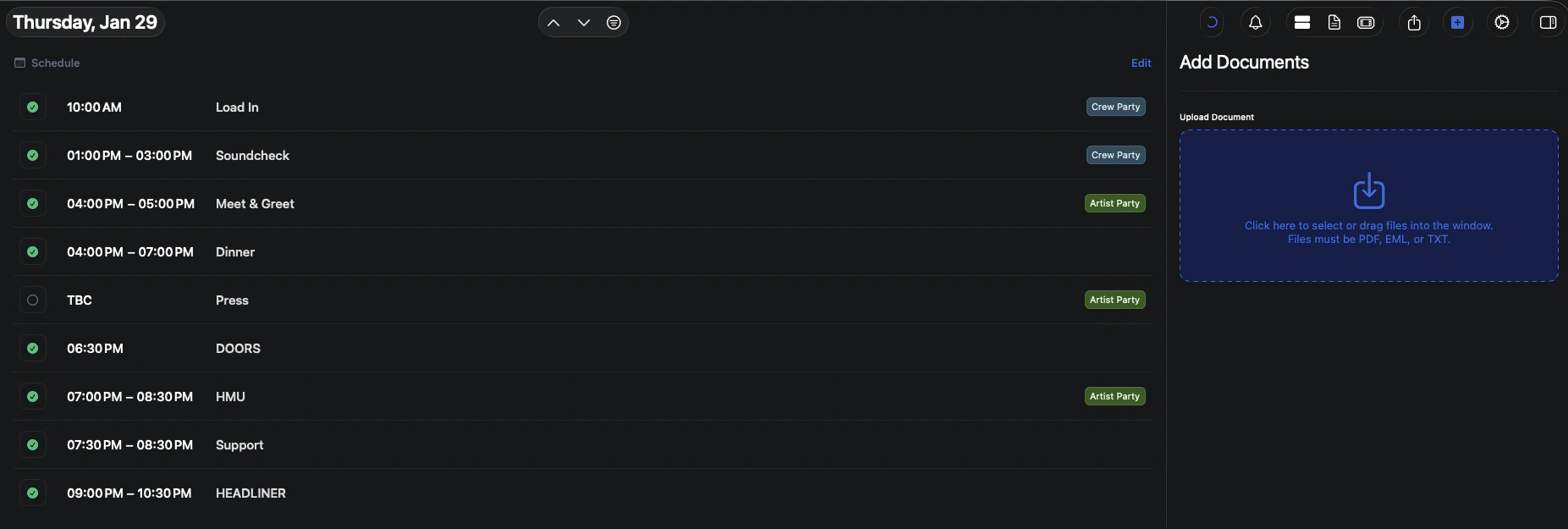
This guide walks through the different ways to add documents to a specific day on your tour, ensuring important files are easy to find, share, and reference by your team.
Document visibility follows your tour’s permission rules:
Only users with access to the day can view attached documents
Admins can manage and remove documents
Files are read-only unless replaced or removed
You currently cannot assign a document to a group or specific person. If a document is uploaded to the day, anyone that has access to seeing that day will be able to see the document